AI background remover
Upload a photo and get the person, product or pet back on a transparent background. Nothing to type and nothing to brush.
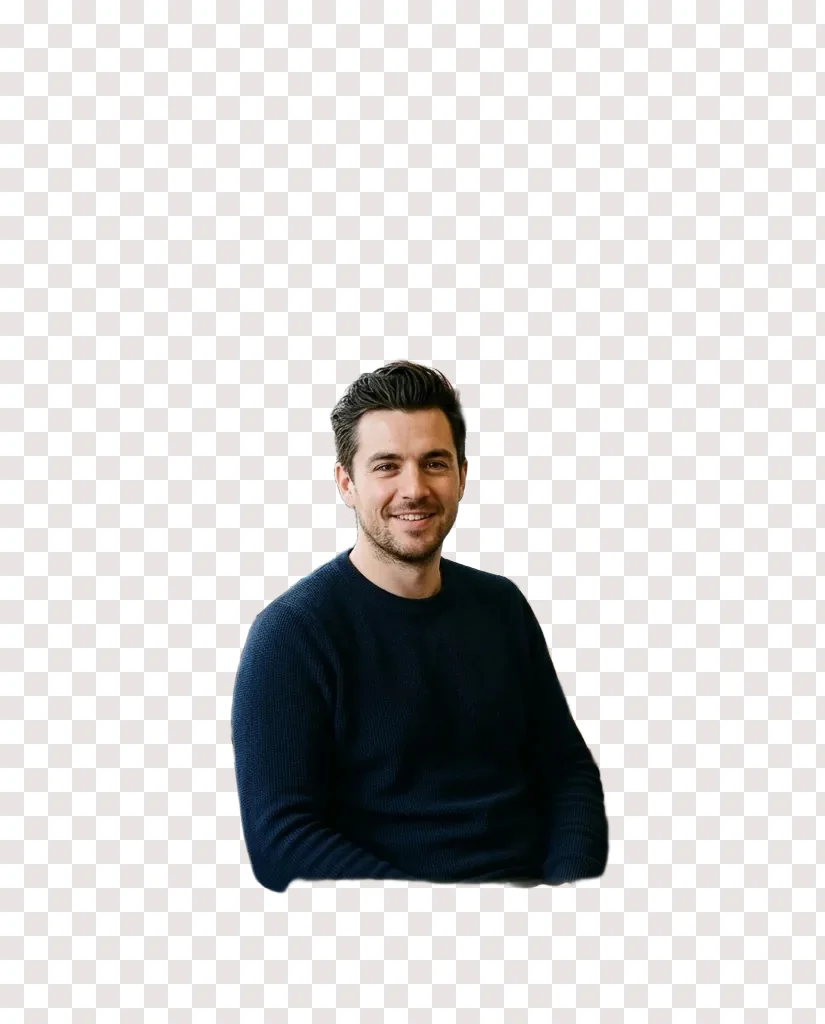

Background removed: a transparent PNG, shown on squares
Sample edit · drag to compare
How to remove the background from a photo
Three steps, and the second one is optional.
This AI background remover takes a photo and gives back the subject as a transparent PNG: a person, a product, a pet or an object, with hair and fine edges kept. There is no prompt to write and no brush. The free remover needs no account and runs 3 cutouts a day per connection, up to 1024 px on the long side. The full size remover cuts out the whole photo at its own resolution for 10 credits, and signing in with Google gives you 10 free credits, enough for one cutout.
- 1
Upload the photo
Click the upload box, drop a file onto it, or paste with Ctrl V. JPG, PNG, WEBP and HEIC up to 20 MB. A photo where the subject stands clear of the background works best.
- 2
Pick Free or Full size
Free runs with no account and returns up to 1024 px. Full size keeps the photo at its own resolution and costs 10 credits. Either way there is nothing to describe.
- 3
Download the PNG
The result shows on grey and white squares where it is now transparent. Drag the handle to compare it with the original, then save it as a PNG with no watermark.
Why remove backgrounds here
Nothing to type, nothing to trace
Upload the photo and press the button. The remover finds the main subject on its own, whether it is a person, a product, a pet or an object, and turns everything around it transparent. There is no prompt to write and no outline to draw.
Edges that hold up close
Stray hair, a bag strap, laces and the gap under an arm are where a cutout usually fails. Both engines here separate the subject instead of redrawing it, so it keeps its own pixels and the edge follows its real outline.
Free, or full size for 10 credits
The free remover needs no account and returns up to 1024 px, 3 cutouts a day per connection. When you need the whole photo at its own resolution with the cleanest hair, the full size remover does it for 10 credits.
Ways to use a transparent PNG
Shop listings
Put every product on the same white or brand colour, so a catalogue looks like one shoot.
Design layouts
Drop the cutout into a slide, a poster or a thumbnail and place text behind or around it.
Profile pictures
One photo on a solid colour for every account, a CV or a conference badge.
Stickers and collages
Cut out a pet or a friend and use the PNG as a sticker, a collage piece or a meme.
Real cutouts from this page
A cutout is judged at the edge: stray hair, a bag strap, the gap under an arm, the outline of a shoe. These are real results from this page.
Portraits
Headshots and profile photos
A phone photo taken at a desk becomes a clean head and shoulders on transparent, ready to drop onto a plain colour for a profile, a badge or a team page. The hairline is kept instead of being clipped into a helmet.
Free remover, about 4 seconds. Squares mark the transparent part of the PNG.
Full length
People from head to toe
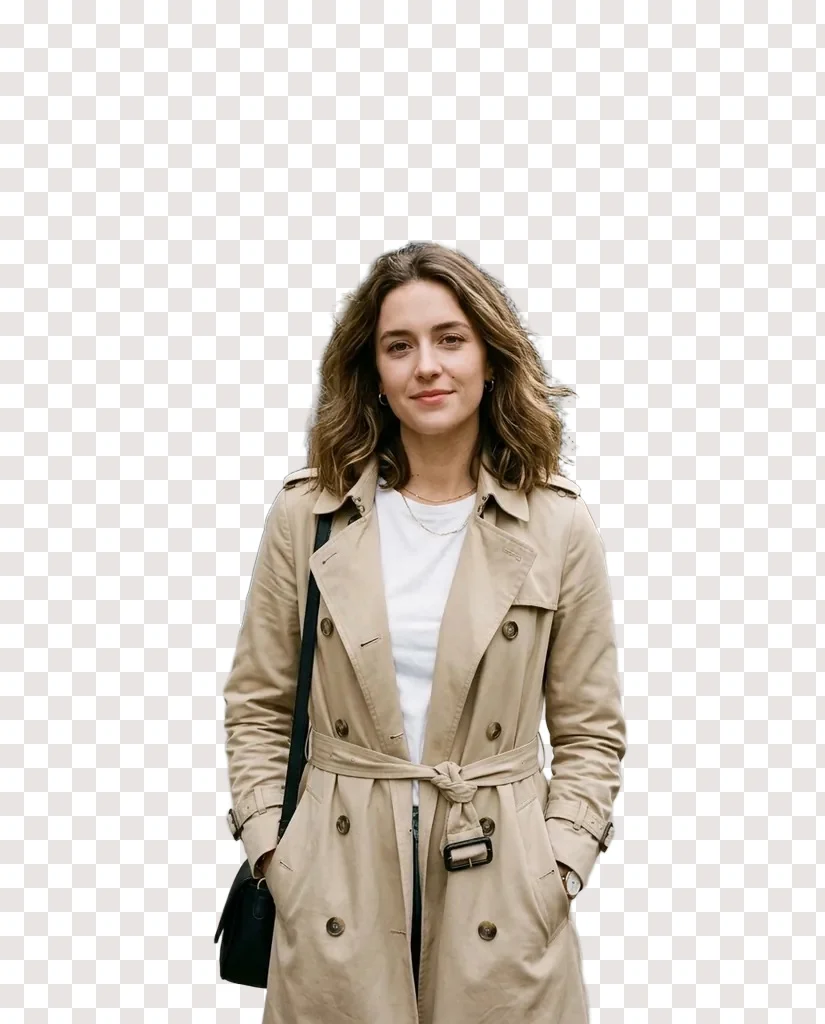
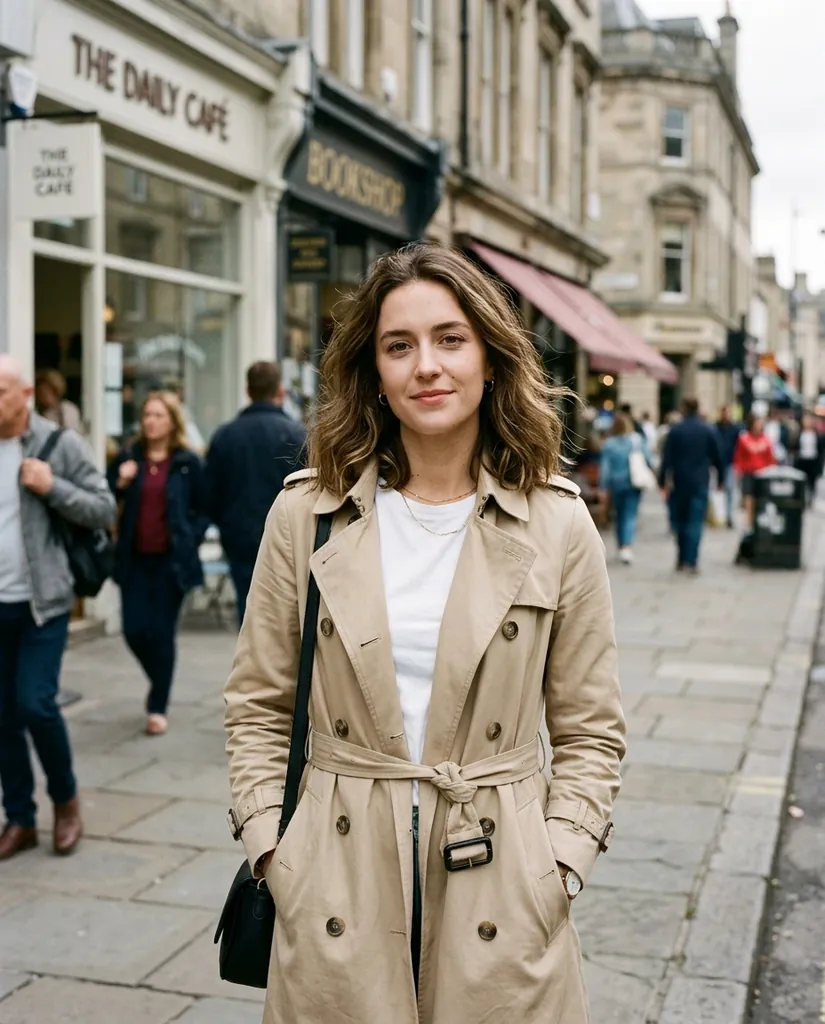
A full length street photo comes out with the hair, the strap of the bag and the belt of the coat in one piece, and the street behind is gone, including the gaps between the arms and the body.
Hair, bag strap and coat belt kept. Squares mark the transparent part.
Products
Product photos for a shop
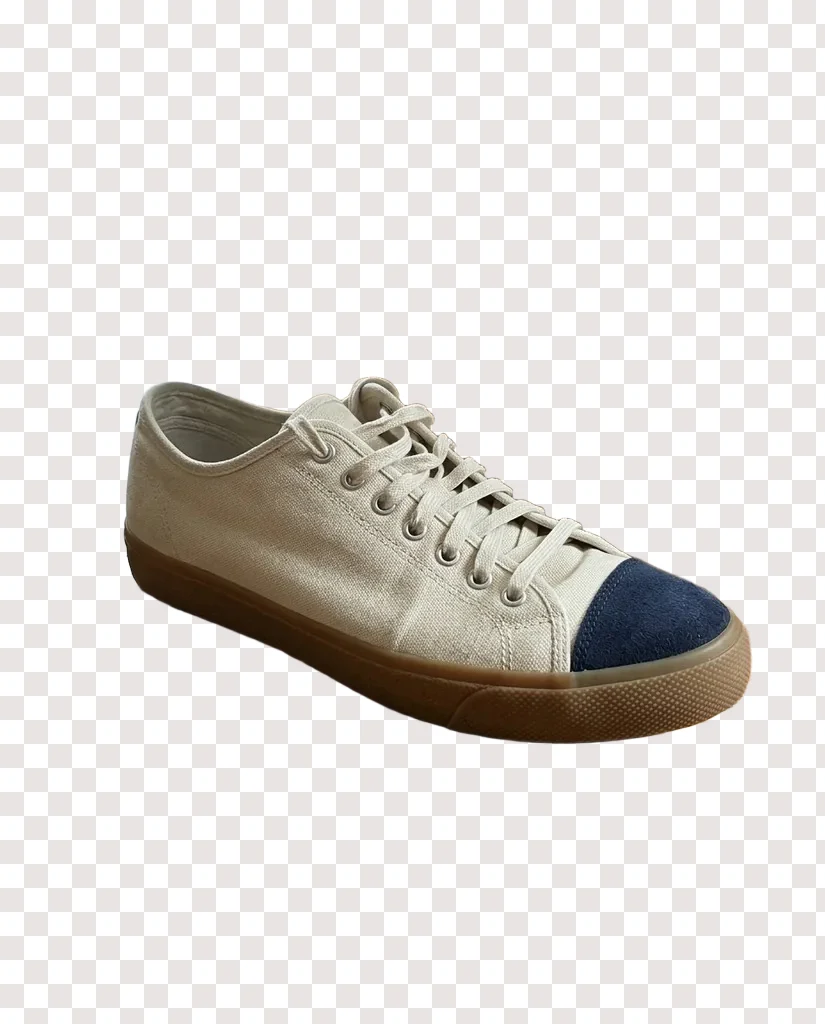
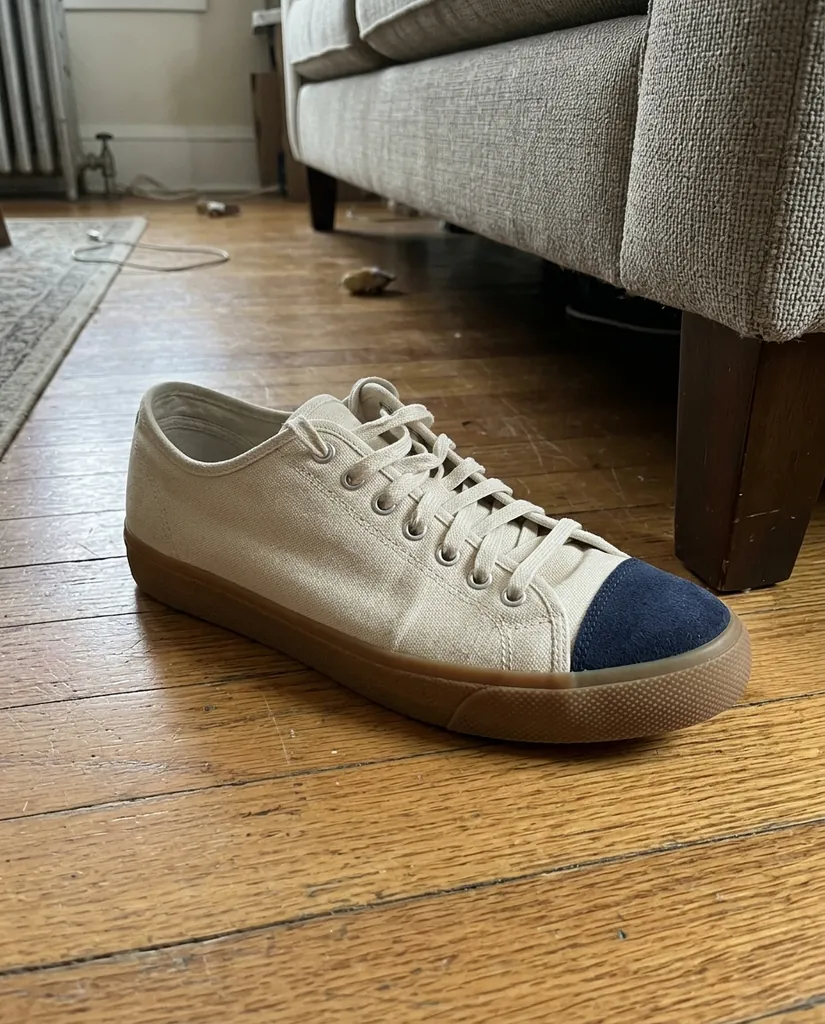
A shoe photographed on a wooden floor comes back with its laces and the edge of its sole intact, so it can sit on white for a marketplace or on any colour in a banner.
Laces and sole edge kept, ready for a listing or a layout.
FAQ
Something else? Write to support@freeaiphotoeditor.org.
Remove the background from your own photo
Free with no sign-in, or full size for 10 credits. Transparent PNG, no watermark.