Edit text in image
Point at the words and type the new ones. The lettering, the colour and the angle of the original stay as they are.
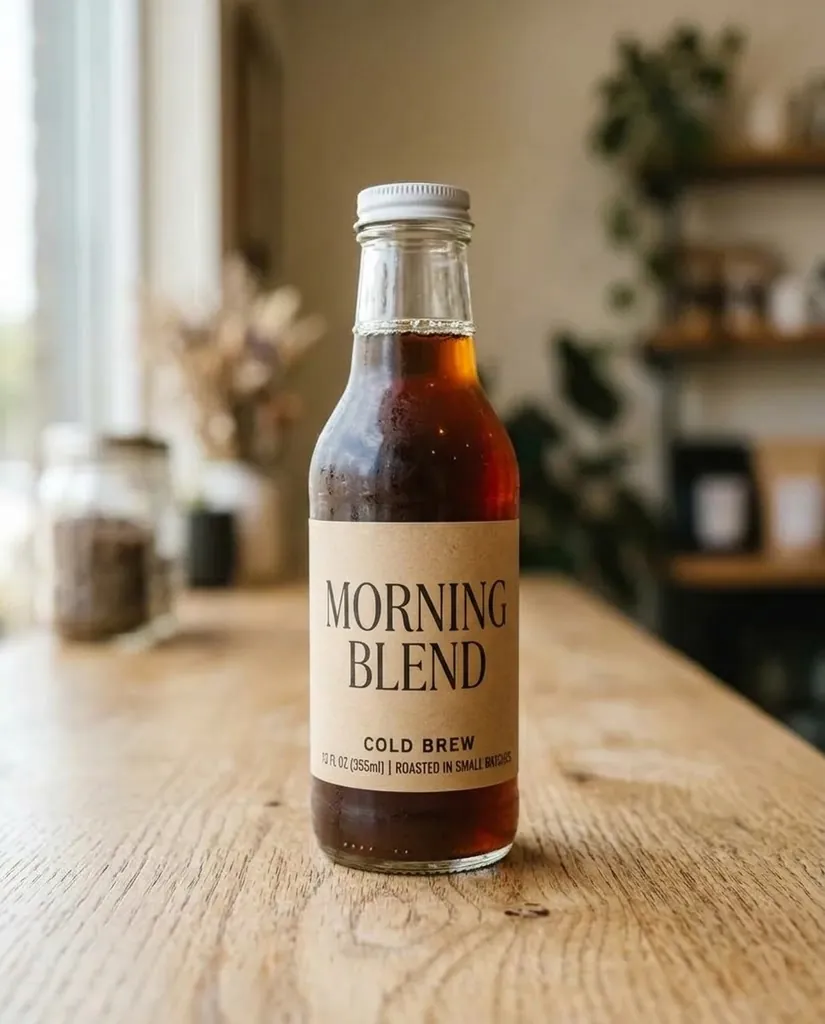
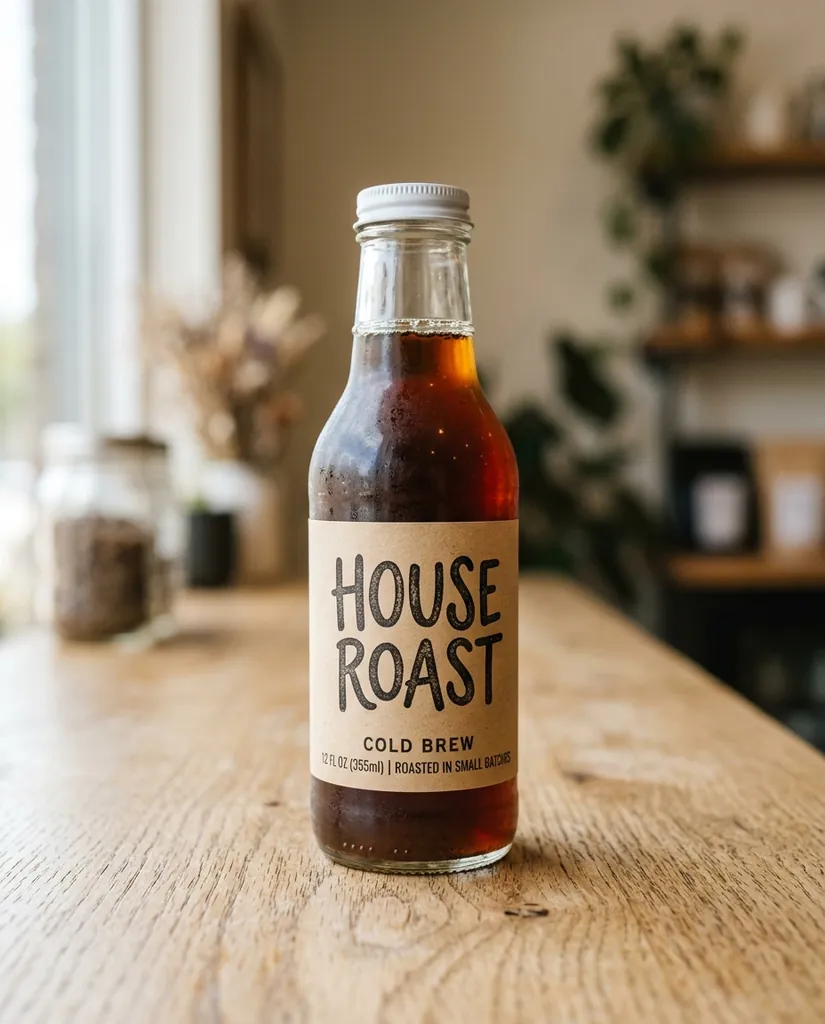
Rewrite the label: Change the label to MORNING BLEND
Sample edit · drag to compare
How to edit text in an image in 3 steps
Short lines work best. A whole paragraph of small print is still hard for every model.
To edit text in an image, upload the photo, say which text to change, such as "the label on the bottle", and type the new words exactly as they should appear. The editor rewrites only that text and keeps the lettering style, colour, size, curve and light of the original. The free engine runs it with no account, 3 edits a day per connection; signing in with Google adds 10 free credits, enough for one edit on the default engine at 1K.
- 1
Upload the picture
A bottle, a sign, a box, a menu board or a poster. JPG, PNG, WEBP and HEIC up to 20 MB, added with the upload box, a drop or Ctrl V. The closer and sharper the lettering is in the photo, the cleaner the new words come out.
- 2
Say which text and type the new words
In Which text, name the surface, such as "the shop sign" or "the label on the bottle". In New text, type the wording exactly as it should read, capitals included. The form writes the full instruction and shows it under the fields.
- 3
Rewrite it and compare
Press Rewrite the text. Drag the compare handle across the result to check every letter against the original, then download it with no watermark. If one word is off, run the edit again on the result and name just that word.
Why edit text in a photo here
The new words look printed, not pasted
Text inside a photo is not a text layer. It bends around a bottle, catches the light and wears with the surface. The editor redraws the new words with the same curve, shine and wear, so they sit on the object instead of floating over it.
Same lettering, no font hunting
You do not need to know the typeface. The instruction asks for the same lettering style, colour, size and angle, and the engine matches what it sees, serif or sans, painted or embossed, so the edit does not give itself away.
Only the text changes
The rest of the picture is left alone: the product, the background, the light and every other line of text you did not name. That makes it safe on a photo you already like, where a full redesign would lose what worked.
Who edits text in images
Shops and brands
Try a new product name, flavour or price on a real photo before paying for a reshoot or a print run. One packaging shot can carry several versions of the label for a quick vote or an A/B test.
Localisation
Put the local wording on a packaging shot or a poster instead of ordering a new set of photos for every market. Short lines in Latin scripts work best; check scripts with joined letters carefully.
Mockups and menus
Change a shop sign, a menu board, a poster or a price card in a photo you already own, so a pitch or a menu update shows the real place with the new words on it.
Social posts
Swap a date, an event name or a line of copy on an image that already did well, without opening a design file or rebuilding the layout from scratch.
Real text edits from this page
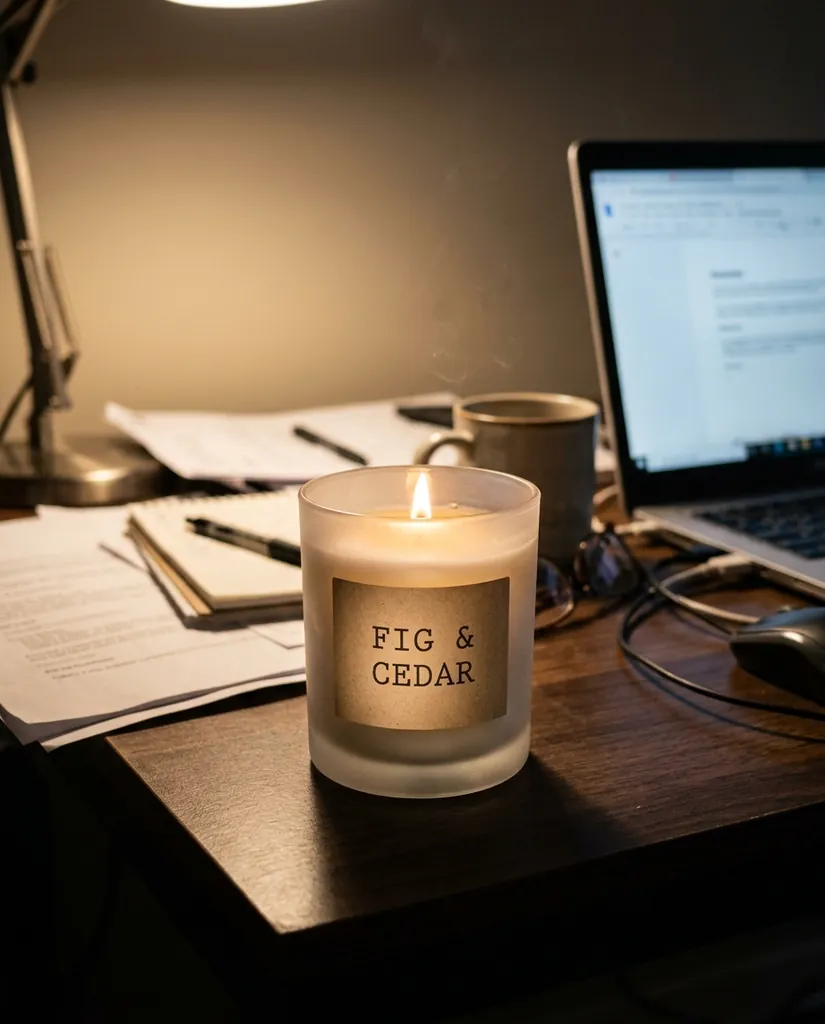
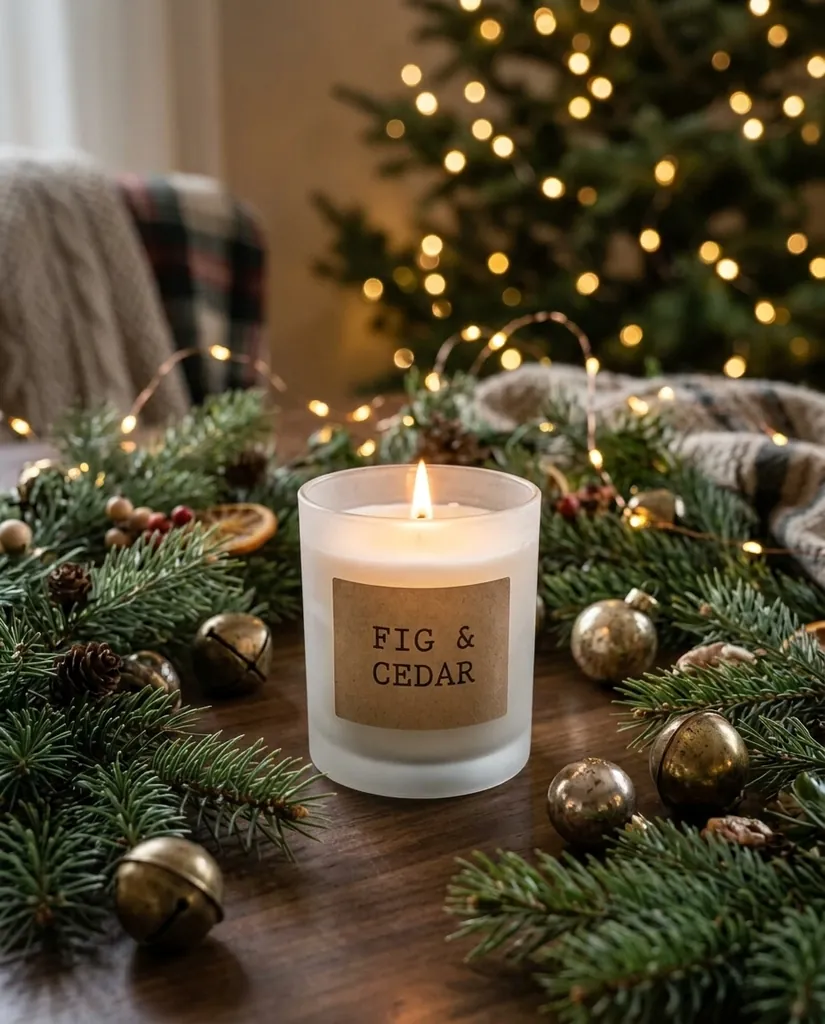
The label rewrite is the job this page is built for. The second shows the other side of it: a label kept word for word while the whole scene around it changes.
Labels
Labels on bottles and jars
The wording changes, the serif stays a serif, the letters keep bending around the glass and the shadow under the cap does not move. This is the case people search for most.
“Edit only the label on the bottle: replace the text with MORNING BLEND in a clean uppercase serif. Keep the bottle, the light and the table.”
Packaging
Packaging that has to stay readable
When a product moves into a new scene, its label has to come with it. Name the label in the instruction and it keeps the same words, the same weight and the same embossing.
“Place the candle on a wooden table with pine branches, gold baubles and soft fairy lights behind. Keep the candle and its label.”
FAQ
Something else? Write to support@freeaiphotoeditor.org.
Rewrite the text in your own photo
1 free edit to start. No watermark, full resolution, your files stay private to your account.